November 1, 2026 • Centoffer Editorial • 15 min read
Retail POS IT Support: Keeping Stores Trading Across Many Locations
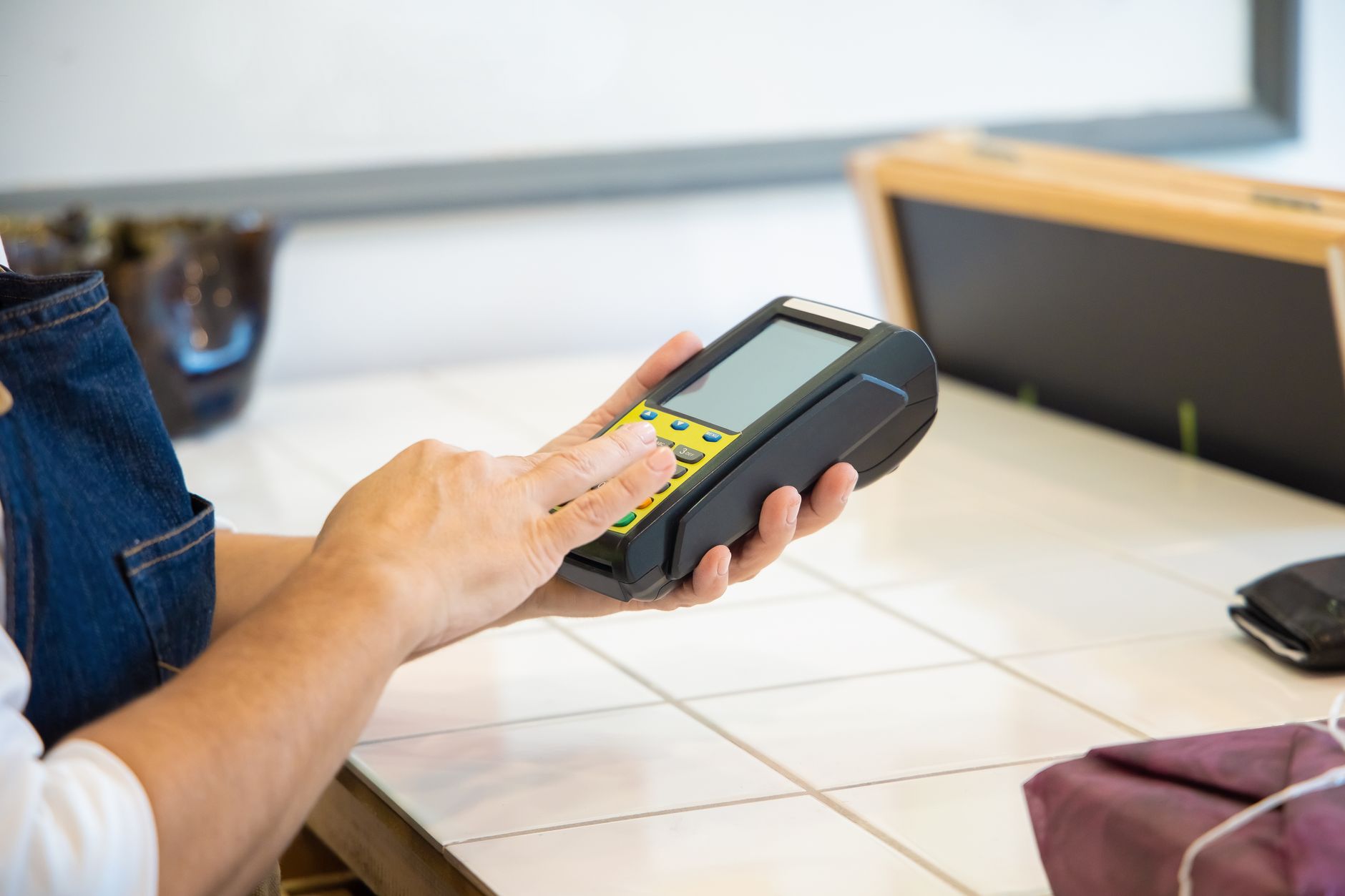
Retail POS IT support keeps tills, payment terminals, store networks and back-office devices working across every location. The model that works for multi-site retailers combines remote triage, staff runbooks, local field engineers on SLAs set by trading impact, spares close to stores, PCI DSS-aware terminal handling and a planned approach to rollouts, refreshes and peak-season freezes.
Retail POS IT Support: Keeping Stores Trading Across Many Locations
Retail POS IT support has one job: keep every store able to sell. When a till freezes, a card terminal goes offline or the store network drops, the cost is not measured in help-desk tickets but in queues, abandoned baskets and staff working around broken systems in front of customers. For a retailer with ten stores this is an inconvenience. For a retailer, franchise network or brand with hundreds of locations across several countries, it is a permanent operational problem: somewhere, something is always failing.
This guide is for IT leaders, store operations managers and procurement teams who are responsible for point-of-sale (POS) and branch IT across many sites. It explains what a store IT estate actually contains, how to design support around trading impact rather than device categories, how to combine remote support with local field engineers and spares, what the payment-card rules require of anyone handling terminals, and how to run rollouts, refreshes and peak-season freezes without disrupting trading.
What is retail POS IT support?
Retail POS IT support is the combination of remote and on-site services that keeps a store’s selling and operating technology working. It covers the point-of-sale terminals themselves, the card payment devices attached to them, the peripherals around them, and the store infrastructure they depend on — network, Wi-Fi, connectivity and back-office devices.
In practice it has three layers:
- Remote support — a help desk that takes calls from stores, triages incidents, guides staff through scripted fixes and resolves software and configuration issues remotely.
- Field support — local engineers who attend stores to repair or replace hardware, fix cabling and network faults, and install new equipment. This is classic break-fix work, plus planned projects.
- Logistics — spare devices, replacement parts, staging and returns, which decide whether a field visit ends with a working lane or a second visit.
Many retailers have the first layer under control and struggle with the other two, because they are physical, local and multiplied by the number of stores.
Why is store IT harder to support than office IT?
Store IT fails in ways office IT does not, for structural reasons.
There is no IT person on site. An office usually has someone technical nearby. A store has sales staff whose priority is customers, and who may not know the difference between a payment terminal and a PIN pad.
Every minute is during trading hours. An office laptop failing at 10:00 costs one person’s morning. A till network failing at 12:30 on a Saturday costs that store’s busiest hour.
Locations are many and scattered. A retailer may have stores in city centres, malls, transport hubs and regional towns. A support model that works in a capital city may have no engineer within reach of a provincial store.
Access is constrained. Engineers often cannot work on the shop floor during trading, malls restrict contractor access and loading, and back rooms are small.
Payment devices carry compliance obligations. Anything that reads a payment card is subject to rules about tampering, substitution and inventory, which limits who can touch it and how.
Changes cascade. A software update, configuration push or network change can hit every store at once. That is efficient when it works and catastrophic when it does not.
What devices does a typical store IT estate include?
Knowing what is in the store, and what each failure actually does to trading, is the starting point for any support design.
| Device or system | What happens when it fails | Typical fix path |
|---|---|---|
| POS terminal (till) | One lane stops; others may continue | Remote triage, then field swap or repair |
| Card payment terminal (POI device) | Lane cannot take card payments | Swap to spare under PCI DSS procedures; provider or acquirer replacement |
| Receipt printer, scanner, cash drawer | Slower checkout, workarounds possible | Staff runbook, then field replacement |
| Store switch or router | Multiple or all lanes offline | Remote diagnosis, field replacement, backup connectivity |
| Primary internet circuit | Store offline unless backup exists | Carrier fault, failover to 4G/5G backup |
| Store Wi-Fi | Mobile POS, handheld scanners and stock apps fail | Remote checks, field visit for access point faults |
| Back-office PC | Reporting, rostering, ordering delayed | Remote support, scheduled field visit |
| Digital signage, cameras, kiosks | Customer-facing or loss-prevention impact | Scheduled field visit, unless security-critical |
The pattern that matters is the dependency chain. One failed till is a lane problem. One failed switch or circuit can be a whole-store problem. Support priorities should reflect that, which brings us to SLAs.
How should you prioritise store incidents?
Prioritise retail POS incidents by trading impact, not by device type. “POS terminal fault” tells you nothing about urgency; “store cannot take card payments” tells you everything.
A practical severity model for stores:
- Critical — store cannot trade. All lanes down, no card payments possible, or the store network is offline with no backup. Fastest available on-site response, continuous remote work, escalation to management.
- High — trading significantly impaired. Half or more of the lanes down, or a key function such as contactless payments failing across the store. Same-day on-site response where possible.
- Medium — trading continues with workarounds. One lane, one printer or one scanner down while others work. Next-business-day attendance is usually acceptable.
- Low — no direct trading impact. Back-office devices, signage, scheduled requests. Planned visits, batched by location.
Two refinements make this work in real stores. First, adjust severity for time and store size: one lane down in a two-lane convenience store at peak is a High incident; the same fault in a twenty-lane hypermarket on a quiet morning is Medium. Second, measure against trading hours, not only calendar hours. An SLA clock that runs overnight when the store is closed gives a misleading picture of service quality.
For a deeper treatment of response versus resolution targets and service credits, see our guide to IT SLA management and service quality in Singapore; the same principles apply to retail.
What does a good retail POS field support model look like?
There is no single model; retailers mix approaches depending on store density, device standardisation and budget. The comparison below sets out the main options.
| Support model | How it works | Strengths | Weaknesses | Best for |
|---|---|---|---|---|
| In-house store technicians | Retailer employs its own engineers who travel between stores | Deep knowledge of the estate, direct control | Expensive to cover wide geographies; idle time between incidents | Dense store clusters in one city |
| Single national provider | One contractor covers all stores in a country | One contract, consistent processes | Coverage thins outside major cities; hard to switch | Single-country chains |
| Vendor or OEM maintenance | Device manufacturer or reseller handles repairs | Product expertise, parts access | Covers only their devices; no ownership of the whole lane | Large, standardised device fleets |
| Advance replacement (swap) | Spare devices shipped or pre-positioned; staff or engineer swaps and returns faulty units | Fast restoration, simple repairs off-site | Needs spares stock and returns discipline | Standardised POS and terminal models |
| Platform-dispatched local engineers | Jobs dispatched to vetted local engineers near each store under shared SLAs | Wide coverage, scales up and down, consistent evidence | Needs strong standard procedures and runbooks | Multi-country or fast-growing estates |
Most mature retailers end up with a hybrid: remote first, advance replacement for standard devices, and local field engineers for anything that requires hands, cabling or diagnosis on site. The deciding factor is usually geography — whether there is a capable engineer within reach of every store at the time a critical incident happens.
What should store staff be able to fix themselves?
Store staff are the first responders in every POS incident, whether or not the support model admits it. Giving them a short, safe runbook reduces both field visits and the time a lane stays down while a ticket waits in a queue.
A good store runbook is one or two pages, printed and kept at the service desk, and limited to steps that cannot make things worse:
- Power-cycle in the right order — for example, terminal first, then till, then printer — with how long to wait between steps.
- Check and reseat cables that are commonly knocked loose at the counter, with photos showing what “correctly connected” looks like.
- Move trading to another lane and mark the faulty lane closed.
- Check whether the store network is up using a simple indicator, such as whether the back-office PC can reach the internet.
- Call the help desk with the right information — store number, lane number, what is on the screen, and when it started.
What staff should not do matters just as much. They should not open payment terminals, swap card readers without following the retailer’s PCI DSS procedures, change network settings or install software. The runbook should say plainly that anything beyond the listed steps is a help-desk and field-engineer task, and that a terminal which looks damaged, has unexpected attachments or has a changed serial label must be taken out of use and reported immediately.
Update the runbook after every major incident. The best additions usually come from what an engineer found on site that staff could have spotted earlier.
Where should spare POS devices be kept?
Spares strategy often decides store uptime more than engineer response time does. An engineer who arrives in two hours without the right part restores nothing.
Common options, in order of restoration speed:
- Hot spare in the store. A spare lane, a spare payment terminal held under PCI DSS controls, or a spare printer. Fastest restoration, but multiplied cost across every store.
- Spares at a regional hub or with the engineer. Engineers collect from a nearby depot or carry common parts. Good balance for clustered stores.
- Central depot with courier. Cheapest stock holding, slowest restoration, often next business day.
Whichever option you use, three disciplines apply:
- Keep spares pre-configured or quickly configurable, so a swap does not require a long build on site.
- Track every swap — which serial went in, which came out, where the faulty unit went.
- Close the returns loop, so faulty units are repaired and returned to stock rather than accumulating in back rooms.
What do PCI DSS rules mean for POS field engineers?
Card payment terminals are not ordinary peripherals. The Payment Card Industry Data Security Standard (PCI DSS) treats devices that read cards through physical interaction — in the standard’s terms, point-of-interaction or POI devices — as targets for skimming and substitution.
The PCI Security Standards Council published PCI DSS v4.0.1 in June 2024 and retired v4.0 on 31 December 2024, leaving v4.0.1 as the active version. Requirement 9.5.1 and its sub-requirements require entities to:
- Protect POI devices that capture card data via direct physical interaction from tampering and unauthorised substitution (9.5.1).
- Maintain an up-to-date list of POI devices (9.5.1.1).
- Periodically inspect POI device surfaces to detect tampering and unauthorised substitution (9.5.1.2).
- Define the frequency and type of inspections through a targeted risk analysis (9.5.1.2.1) — a requirement that was a best practice until 31 March 2025 and is now mandatory.
- Train personnel in POI environments to recognise attempted tampering or replacement of devices (9.5.1.3).
For field support, this translates into concrete procedures:
- Identify the engineer. Store staff should verify that the person arriving to work on a terminal is expected, using the job reference, and should not accept unannounced “maintenance” visits.
- Verify serial numbers of the device being removed and the device being installed against the retailer’s POI inventory.
- Record every swap with photos of the serial labels and the installed device, as part of the job’s proof of delivery.
- Handle removed devices securely — sealed packaging and a documented return path, never left loose in a back room.
- Update the inventory promptly, so the next inspection does not flag a legitimate device as suspicious.
Retailers should confirm their specific obligations with their acquirer and qualified security assessor; the point for support design is that terminal swaps are compliance events, not just repairs.
What did the July 2024 outage teach multi-site retailers?
On 19 July 2024, a faulty content update to CrowdStrike’s Falcon sensor caused Windows machines to crash worldwide. Microsoft’s David Weston wrote the following day that “we currently estimate that CrowdStrike’s update affected 8.5 million Windows devices”, which Computer Weekly reported as less than 1% of all Windows machines. Organisations reported affected in Asia-Pacific included the Australian supermarket chains Coles and Woolworths.
The incident was not a POS failure as such, but it illustrated three lessons for any retailer running Windows-based tills, kiosks or back-office devices:
- A single change can fail every store simultaneously. Support models sized for a normal daily incident rate have no headroom when hundreds of stores need help on the same morning.
- Some recoveries require physical access. When a device cannot boot, remote tools cannot reach it; someone has to be at the device. Retailers with only remote support had to rely on store staff following instructions, often under pressure.
- Surge capacity has to be arranged in advance. The time to find engineers who can attend many stores in parallel is before the incident, not during it.
The practical response is a documented mass-recovery runbook: who triages, how stores are prioritised (flagship and high-volume first), what staff can do safely, which field resources can be mobilised in each market, and how progress is tracked store by store.
How should retailers plan POS rollouts and refreshes?
Rollouts and refreshes — new POS software, new terminals, new store networks, new store openings — are where field support turns from reactive to planned. They succeed on preparation.
Survey before you install. Confirm power, cabling, counter space, network ports and access for each store. Store layouts vary more than head office drawings suggest.
Stage and pre-configure centrally. Devices should arrive at the store ready to plug in, labelled by lane, with configuration already applied and tested.
Install outside trading hours. Most store installations happen early morning, late evening or overnight. Confirm mall and landlord access rules, security escorts and loading arrangements for each site.
Use a standard install checklist. The same steps in every store — install, connect, test a transaction, photograph the result, remove old equipment, update the inventory — produce consistent evidence across hundreds of sites.
Keep a rollback path. If the new lane does not work by opening time, the old one must be ready to trade.
Plan around lifecycle dates. Store devices often run long-term servicing editions of operating systems precisely because retailers refresh slowly. Microsoft’s lifecycle page lists Windows 10 IoT Enterprise LTSC 2021 with mainstream support ending in January 2027 and extended support ending in January 2032. Whatever your platform, record its support dates in the asset register and work back from them: a refresh that touches every store needs a long runway.
How do you prepare store IT for peak trading?
Peak periods — year-end holidays, major sales events, Lunar New Year, back-to-school, local festivals — compress a large share of annual revenue into a few weeks. Support should change shape ahead of them.
- Freeze non-essential change. Agree a change freeze window with every team and vendor that can push updates to stores.
- Finish projects early. Rollouts that slip into peak should usually be paused, not rushed.
- Pre-position spares for high-volume stores and confirm stock levels at regional hubs.
- Confirm field capacity. Agree extended hours and, where needed, temporary SLA uplifts with providers in each market.
- Refresh staff runbooks. Seasonal staff may never have seen the store’s systems; a one-page guide to “what to try before calling” pays for itself.
- Test backup connectivity. Fail over each store’s internet connection to its backup link before peak, not during it.
What metrics show whether retail POS IT support is working?
Ticket counts and average resolution times say little about whether stores could trade. Better measures:
- Lane-down minutes during trading hours — the closest proxy to lost sales capacity.
- Store-down incidents — count and duration of incidents where a store could not take payments.
- First-time fix rate for field visits — the share of visits that restore service without a return trip.
- Repeat incidents at the same store or device within 30 days, which point to root causes.
- Spares availability — how often a visit was delayed because the right part was not available.
- SLA attainment by store tier and market, so poor coverage in one region is not hidden by good performance elsewhere.
- POI inventory accuracy — the share of terminals whose recorded serial matches what is actually installed.
Review these per market at least quarterly with each provider, and connect them to store operations data, so IT performance is discussed in terms the business recognises.
How do you choose a retail POS IT support provider?
Use this checklist when evaluating providers for multi-site store support:
- Coverage: can they show engineers able to reach each of your stores — including regional ones — within your SLA, not only in major cities?
- Retail experience: do they understand trading-hour constraints, mall access, out-of-hours installs and peak freezes?
- Payment device handling: do their procedures support your PCI DSS obligations for POI inventory, swaps and returns?
- Evidence: does every visit produce a record — arrival time, photos, serials, test result, sign-off — that you can audit?
- Spares and logistics: who holds stock, where, and how are swaps and returns tracked?
- Surge capacity: what can they mobilise if many stores fail at once?
- Reporting: can they report by store, region and trading hour, not just by ticket?
- Commercial clarity: clear rates for break-fix, projects and out-of-hours work, and service credits tied to the SLAs that matter.
Keep every store trading
Multi-site retail IT is a coverage problem as much as a technical one. The retailers that keep stores trading set priorities by trading impact, give store staff clear runbooks, keep spares close, treat payment terminals as compliance assets, and have local engineers they can dispatch to any store with evidence of every visit.
Centoffer connects retailers and their IT service providers with vetted local field engineers for POS break-fix, store network support, rollouts and refresh projects, with orders flowing through one platform with live SLA tracking and proof of delivery. See how we support retail IT operations, or explore our global IT field services to plan coverage for your store estate.
Frequently Asked Questions
What is retail POS IT support?
Retail POS IT support is the service that keeps a store's point-of-sale estate working: tills, card payment terminals, receipt printers, scanners, store networks, Wi-Fi and back-office PCs. It usually combines a help desk for remote triage with field engineers who attend stores for repairs, swaps, installations and refresh projects under agreed SLAs.
What is a good SLA for POS break-fix in retail stores?
Set SLAs by trading impact. An outage that stops a store taking payments should get the fastest on-site response you can buy for that location, often measured in hours, while a single faulty lane or printer can wait for next-business-day attendance if other lanes are working. Always define response and restoration separately, and measure them against store trading hours.
Can store staff fix POS problems themselves?
Store staff can safely handle simple, scripted steps such as power-cycling a device, reseating a cable or swapping to a spare lane, guided by a runbook and the help desk. They should not open payment terminals or replace card readers without following the retailer's PCI DSS procedures, and anything beyond the runbook should go to a field engineer.
How do PCI DSS rules affect POS field engineers?
Under PCI DSS v4.0.1 requirement 9.5.1, merchants must protect card-reading POI devices from tampering and substitution, keep an up-to-date device list, inspect devices periodically and train staff. Field engineers who install or swap terminals should verify serial numbers, record each swap, return removed devices securely and update the device inventory.
How do retailers handle IT support during peak season?
Most retailers freeze non-essential changes before peak trading, finish rollouts and refreshes early, pre-position spare devices near high-volume stores, confirm field engineer availability for extended hours, and agree temporary SLA uplifts with providers. The aim is fewer changes and faster recovery during the weeks that matter most.